How to Make an Oouuh AI Duet Video from Two Photos
Create an Oouuh inspired duet clip from two consenting adult portraits. Learn file checks, role setup, credits, pricing, and realistic output expectations.
October 11, 2026 · AI Fredo Bang Video Team
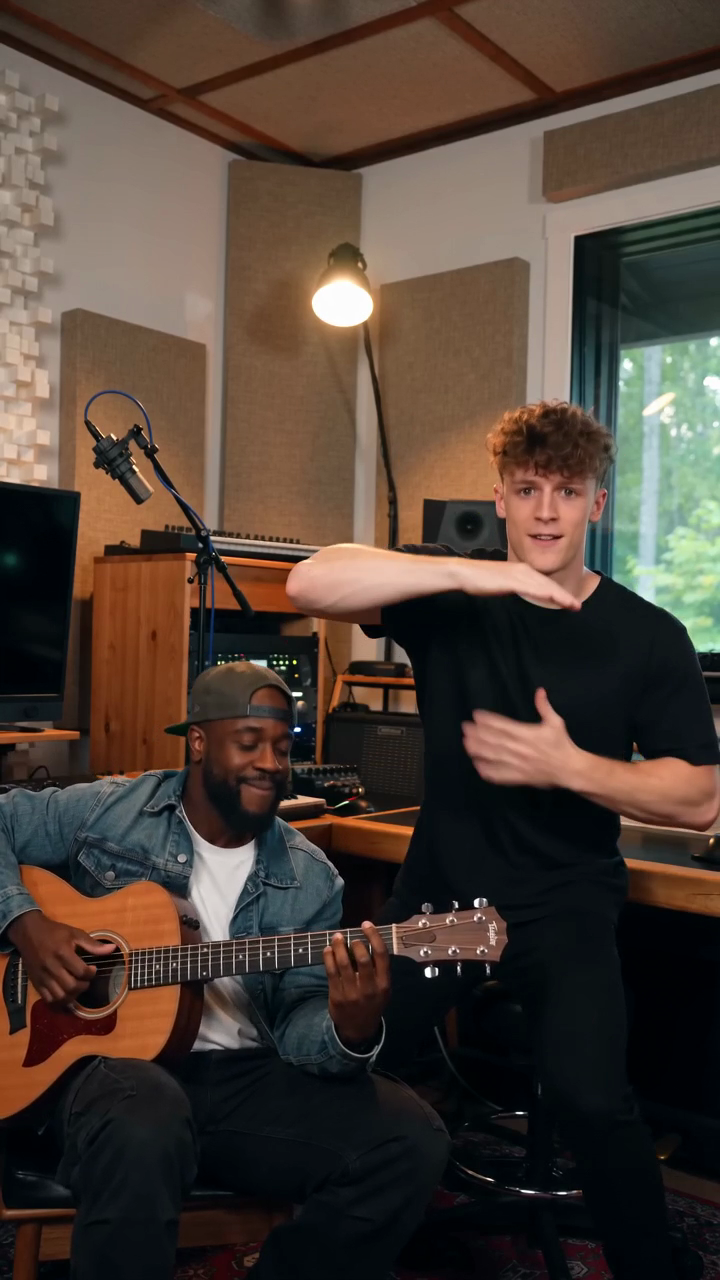
Try the workflow
Create your AI Fredo Bang inspired video
Choose one or two roles, add clear portraits and create an original performance.
JPG, PNG or WebP · up to 10 MB
Use a clear photo of one adult per upload. Give us permission to use each photo. The AI may vary facial details and hand movements.
Extra direction (optional)
You may opt in to a reviewed public gallery. Your uploaded photos stay private.
A free video after three consecutive visits
Registration gives zero credits. If your first visit came from ChatGPT, choose a paid plan. Otherwise, sign in and visit on three consecutive UTC calendar days to receive 50 credits once. Missing a day restarts the unfinished streak. You can pay to create now.
$9.90/ 1 video
50 credits · 8 seconds · 720p · 9:16One-time packs, monthly and yearly plans are available. Failed eligible jobs return credits.
Your videos
Choose a scene above. Finished videos will appear in this space.
Creating an Oouuh-inspired AI duet video on AI Fredo Bang Video is a two-photo workflow, not a promise of exact likeness or original-song replication. The service is an independent, unaffiliated creator at https://aifredobangvideo.pro, and it is not an official artist product. It uses the Kie.ai ByteDance Seedance 2.0 standard model to generate a new 8-second 720p vertical MP4 with AI-generated sound from one original fictional 8-second 720p 9:16 reference performance plus one or two adult JPG, PNG, or WebP photos up to 10 MB each. Results vary. There is no guarantee of resemblance, movement quality, or completion speed.
A sample is playable before payment, but personalized generation requires credits. Do not expect a generated preview before you have paid or earned credits. Also, do not assume the original Oouuh recording, original footage, or artist likeness is included. The output is a fresh synthetic clip, not a copy of a copyrighted performance.
1. What this workflow can and cannot do
The duet workflow is useful when you want the system to animate two adult portraits in the same short vertical video. It does not create a licensed remake of the original song or a frame-for-frame recreation of any music video. Instead, it produces an original AI-generated result in an Oouuh-inspired style.
Use this workflow when:
- You have consent to use the photos.
- You want a short 8-second vertical MP4.
- You want two portraits placed into one generated scene.
- You understand that the result may differ from expectations.
Do not use this workflow to expect:
- The original Oouuh audio.
- The original footage.
- Exact artist likeness or exact motion.
- A guaranteed completion time.
- Custom audio upload, voice cloning, clipping, or batching.
2. Check the photo requirements first
Before you upload anything, confirm that your files meet the stated limits. The platform accepts one or two adult photos in JPG, PNG, or WebP format. Each file can be up to 10 MB.
Best practice is to choose clear, well-lit portraits with visible faces. Photos should be adult-only and used with permission. If the face is obscured by heavy shadows, sunglasses, or extreme angles, the model may have less information to work with, and the outcome may be less stable.
Practical checklist:
- Use one or two adult portraits.
- Keep each file at or below 10 MB.
- Prefer JPG, PNG, or WebP.
- Make sure the face is visible.
- Use photos with permission.
If you are preparing two people for a duet, it helps if both photos are similar in lighting and framing. That said, the model can still vary from the source material, so similar photos are not a guarantee of better output.
3. Understand how credits work
| Plan | Price | Credits included | Cost per 50 credits equivalent | Expiration |
|---|---|---|---|---|
| One-time pack | $9.90 | 1 job / 50 credits | $9.90 | Never expires |
| One-time pack | $19.90 | 3 jobs / 150 credits | $6.63 per 50 credits | Never expires |
| One-time pack | $29.90 | 5 jobs / 250 credits | $5.98 per 50 credits | Never expires |
| Monthly subscription | $39.90 | 10 jobs / 500 credits | $3.99 per 50 credits | Unused credits expire each monthly period |
| Yearly subscription | $359.00 | 100 jobs / 5,000 credits | $3.59 per 50 credits | Unused credits expire each billing year |
The arithmetic above is exact:
- $39.90 ÷ 10 = $3.99 per job.
- $359.00 ÷ 100 = $3.59 per job.
- 1 job = 50 credits, so 10 jobs = 500 credits and 100 jobs = 5,000 credits.
4. Prepare two portraits for a duet
For a two-performer video, the simplest setup is one photo per performer. Keep the portraits separate and clearly labeled before upload so you do not confuse the source files.
Recommended preparation steps:
- Select two adult photos with permission.
- Make sure each file is in JPG, PNG, or WebP format.
- Keep each image under 10 MB.
- Use clear faces with even lighting.
- Save the files with names that identify each person.
This helps you keep track of which portrait is which, especially if you are comparing the result after generation.
The tool does not promise that a specific face will be preserved exactly. Even with good input images, the generated output may shift facial details, pose, or expression.
5. Submit the generation job carefully
Once your portraits are ready and you have credits, submit the generation job on the site.
A practical order of operations is:
- Open the generator page.
- Review the sample video if you want to understand the output style.
- Upload one or two adult photos.
- Confirm that your credits are available.
- Start the generation.
- Wait for the job to finish.
- Review the result and download it if satisfied.
Because the result is an 8-second vertical MP4, it is best treated as a short social clip rather than a long-form performance. The platform does not guarantee the same behavior across all submissions, even when you reuse the same photos.
6. Inspect the output without overreading it
A careful review can help you decide whether the result is usable, but it should be a basic quality check, not an assumption that the system failed or succeeded in a definitive way.
Look at:
- Whether both faces are visible enough to identify.
- Whether the scene is framed vertically as expected.
- Whether the AI-generated sound matches the video format.
- Whether any major visual distortion makes the clip unusable for your needs.
Do not expect exact recreation of the original Oouuh performance. The output is designed as a new synthetic clip, and variation is normal.
If the result is not usable, you can consider trying different adult portraits, but there is no guarantee that a different attempt will preserve the same appearance or movement.
7. Worked hypothetical example with two videos
Here is a hypothetical example that uses exactly two videos, as requested.
Mia and Jordan each want a duet-style output. They have permission to use their own adult portraits.
First, they prepare two image files:
- Mia.jpg, 2.8 MB
- Jordan.png, 3.1 MB
They confirm that both files are adult portraits, both are under 10 MB, and both are in accepted formats. They then use one paid credit job for the first video.
For the first video:
- They upload Mia and Jordan’s photos.
- The system generates one 8-second vertical MP4.
- They review the clip and decide it is acceptable.
For the second video:
- They make a small change by replacing one portrait with a different adult photo of Jordan.
- They run a second job.
- The system generates a second 8-second vertical MP4.
This example contains exactly two videos. It does not assume the videos are identical, because the platform states that generated results vary. It also does not assume the original song or footage is present, because the service does not include the original Oouuh recording or exact copyrighted video.
8. Table: what to expect versus what not to expect
| Topic | What the guide supports | What it does not support |
|---|---|---|
| Source material | One original fictional reference performance plus one or two adult photos | Original Oouuh recording or original footage |
| Output format | 8-second 720p vertical MP4 | Long-form video |
| Audio | AI-generated sound | Custom audio upload or voice cloning |
| Faces | Separate adult portraits can be used | Guaranteed exact likeness |
| Credits | Paid and earned credits can complete and download a watermark-free result | Free generation before day 3 for all users |
| Refund behavior | Eligible failed jobs return charged credits | Guaranteed refund for every attempt |
| Speed | No guaranteed completion speed | Speed promise or countdown guarantee |
9. Useful tips for better file preparation
A few simple habits can reduce avoidable issues:
- Use clean, readable portraits.
- Keep the face large enough in the frame.
- Avoid heavy filters.
- Keep file names organized.
- Review the sample before you spend credits.
If you are comparing two portraits, consistency matters more than dramatic styling. That said, consistency still does not guarantee a specific result.
Internal guides
- How to Make an AI Fredo Bang Video from Your Photos
- Fredo Bang Oouuh AI Video: What the Trend Is and What This Tool Makes
- AI Fredo Bang Video with Two Photos: Assign Each Role Clearly
10. FAQ
Is this an official Fredo Bang or Oouuh product?
No. It is an independent, unaffiliated creator.
Can I try a sample before I pay?
Yes. A public sample is playable before payment.
Can I generate a personalized video without credits?
No. Personalized generation requires credits.
Do I get free credits right away?
ChatGPT first-touch users get zero free credits. Other logged-in users can earn 50 credits once after visiting three consecutive UTC calendar days.
Do credits expire?
One-time credits never expire. Monthly and yearly subscription credits expire at the end of their respective billing periods.
Can I upload my own audio?
No. Custom audio upload is not supported.
Can I expect the original Oouuh song or exact copyrighted video?
No. The output does not include the original Oouuh recording, exact copyrighted video, or original footage.
What happens if a job fails?
Eligible failed jobs return charged credits.
11. Final practical summary
If you want to make an Oouuh-inspired AI duet video, keep the workflow simple: use one or two adult photos with permission, make sure each file is in an accepted format and under 10 MB, understand that a job costs 50 credits, and remember that the output is an original 8-second 720p vertical MP4 with AI-generated sound. A sample is playable before payment, but personalized generation requires credits. Results vary, and no exact likeness, movement, or completion speed is guaranteed.
That is the safest and most accurate way to use the tool without overpromising what it can do.