How to Make an Oouuh Inspired Ukulele AI Video from Photos
Plan an original Oouuh inspired ukulele clip with adult photos and AI generated sound. Review photo rules, plan credits, sample playback, and the tool limits.
October 11, 2026 · AI Fredo Bang Video Team
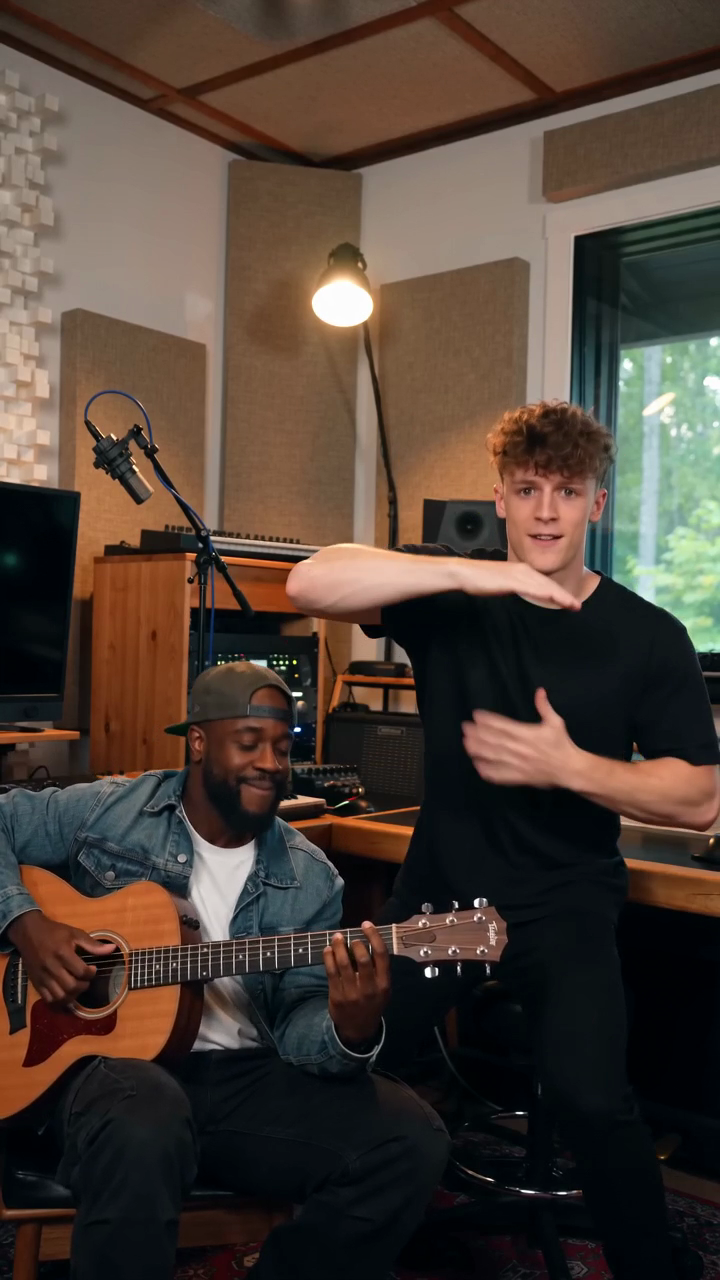
Try the workflow
Create your AI Fredo Bang inspired video
Choose one or two roles, add clear portraits and create an original performance.
JPG, PNG or WebP · up to 10 MB
Use a clear photo of one adult per upload. Give us permission to use each photo. The AI may vary facial details and hand movements.
Extra direction (optional)
You may opt in to a reviewed public gallery. Your uploaded photos stay private.
A free video after three consecutive visits
Registration gives zero credits. If your first visit came from ChatGPT, choose a paid plan. Otherwise, sign in and visit on three consecutive UTC calendar days to receive 50 credits once. Missing a day restarts the unfinished streak. You can pay to create now.
$9.90/ 1 video
50 credits · 8 seconds · 720p · 9:16One-time packs, monthly and yearly plans are available. Failed eligible jobs return credits.
Your videos
Choose a scene above. Finished videos will appear in this space.
Creating an Oouuh-inspired ukulele video on AI Fredo Bang Video means making a new, original 8-second vertical clip that is inspired by the general vibe of the trend, not by the original Oouuh recording or artist likeness. The service is independent and unaffiliated, and it uses Kie.ai’s ByteDance Seedance 2.0 standard model with one original fictional 8-second 720p 9:16 reference performance plus one or two adult JPG, PNG, or WebP photos up to 10 MB each. The output is a new 8-second 720p vertical MP4 with AI-generated sound. Results vary, and the site does not guarantee likeness, movements, or completion speed.
A public sample is playable before payment, but personalized generation requires credits. There is no generated preview before paying or earning credits. There is also no custom audio upload, no clipping, no batching, no voice cloning, and no exact copyrighted video or original Oouuh sound. Photos must be provided with adult permission.
1. What this guide is and what it is not
This guide explains how to plan a short ukulele-themed video using the AI Fredo Bang Video workflow. It does not explain how to copy the original Oouuh song, reproduce an artist’s likeness, or recreate copyrighted footage. That matters because the product is designed to make a new AI-generated video, not a clone of an existing performance.
If your goal is a short social video that feels related to the broader Oouuh-inspired aesthetic, focus on your own concept, your own photo selection, and your own intended use. The tool’s role is to generate a new 8-second clip from your inputs. It does not guarantee the final result will match any specific pose, gesture, facial expression, or instrument action.
2. Confirm what the product actually provides
Before you start, check the core product facts so your expectations stay aligned with the tool:
- Independent site: AI Fredo Bang Video is not an official Fredo Bang or Oouuh product.
- Model: Kie.ai ByteDance Seedance 2.0 standard model.
- Inputs: one original fictional 8-second 720p 9:16 reference performance and one or two adult photos.
- Accepted photos: JPG, PNG, or WebP, up to 10 MB each.
- Output: a new 8-second 720p vertical MP4 with AI-generated sound.
- Sample: public sample is playable before payment.
- Generation: personalized generation requires credits.
- Limits: no free generation before day 3, no generated preview before paying or earning, no custom audio upload, no clipping, no batching, no voice cloning.
- Rights and permissions: use only adult photos with permission.
- Result quality: varies; no promise of exact likeness, movement accuracy, or completion speed.
This matters because many guides overstate what AI video tools do. A precise description is better: the system can create a short generated performance video, but it cannot be treated as a substitute for the original work or as a guarantee of a specific visual outcome.
3. Choose the right concept for an original ukulele video
Start with a simple creative plan. Since the output is only 8 seconds long, one clear idea works better than several competing ideas.
Step 1: Pick a scene idea
Use a single, readable setup such as:
- a solo ukulele performance facing the camera,
- a seated performance with a plain background,
- a casual studio-style pose,
- or a close framing that keeps the hands and instrument visible.
Avoid plans that depend on detailed choreography or a full narrative. The tool generates a short clip, so a narrow concept is more practical.
Step 2: Use photos that support the concept
Upload one or two adult photos that match your intended look. The product accepts JPG, PNG, and WebP files up to 10 MB each. Clear lighting and a stable pose are usually easier to work with than busy backgrounds or extreme angles, but the final result still varies.
If you use two photos, keep them compatible in style and framing. That can help maintain a coherent visual result, but it does not guarantee realism or exact motion.
Step 3: Keep the idea original
Do not ask the tool to recreate the original Oouuh recording, original footage, or exact artist likeness. Instead, use the trend only as a high-level reference for energy or presentation. The output should be a new piece, not a replica.
4. Set expectations for movement, sound, and output length
The output is fixed at 8 seconds and 720p in vertical 9:16 format. That is enough for a brief performance shot, an opening hook, or a punchy social clip.
Because AI-generated sound is included, you should expect the result to be synthetic rather than a recorded cover. You cannot upload custom audio, and the tool does not promise exact synchronization to a real performance. That makes it better for concept videos than for exact music reproduction.
A practical way to think about it:
- the visuals are AI-generated,
- the sound is AI-generated,
- the clip is short,
- and the result is variable.
That means the best use is to create a fresh short-form video with a simple visual theme. It is not the right tool for precise instrument demonstration, a full song performance, or exact recreation of copyrighted media.
5. Understand pricing and credit rules exactly
| Plan | Price | Credits included | Cost per 50 credits equivalent | Expiration |
|---|---|---|---|---|
| One-time pack | $9.90 | 1 job / 50 credits | $9.90 | Never expires |
| One-time pack | $19.90 | 3 jobs / 150 credits | $6.63 per 50 credits | Never expires |
| One-time pack | $29.90 | 5 jobs / 250 credits | $5.98 per 50 credits | Never expires |
| Monthly subscription | $39.90 | 10 jobs / 500 credits | $3.99 per 50 credits | Unused credits expire each monthly period |
| Yearly subscription | $359.00 | 100 jobs / 5,000 credits | $3.59 per 50 credits | Unused credits expire each billing year |
The arithmetic above is exact:
- $39.90 ÷ 10 = $3.99 per job.
- $359.00 ÷ 100 = $3.59 per job.
- 1 job = 50 credits, so 10 jobs = 500 credits and 100 jobs = 5,000 credits.
6. Step-by-step workflow for making the video
Step 1: Check whether you are using sample viewing or generation
You may play the public sample before paying. That sample is there for evaluation, not personalized output.
Step 2: Prepare your eligible photo or photos
Use one or two adult JPG, PNG, or WebP photos. Make sure you have permission to use them. Keep file size within the 10 MB limit per image.
Step 3: Choose the generation path
If you already have credits, start the personalized generation process. If you do not, you will need to obtain credits through the site’s stated rules. There is no free generation before day 3 and no generated preview before paying or earning credits.
Step 4: Review the result as a new generated clip
The final file is a new 8-second 720p vertical MP4 with AI-generated sound. Check whether the motion, framing, and sound are acceptable for your use case. Since results vary, do not expect exact or repeatable outcomes.
Step 5: Save and share carefully
If you share the clip, present it honestly as an AI-generated, Oouuh-inspired original video. Do not claim it is the original recording or an official artist release.
7. Worked hypothetical example
Suppose a user wants to create a short ukulele-themed vertical video for social media.
They do the following:
- They choose an original concept: a seated, front-facing ukulele pose.
- They upload one adult photo in PNG format and one in JPG format, each under 10 MB.
- They use one generation job.
- The job consumes 50 credits.
- If they had earned 50 credits by visiting three consecutive UTC calendar days, that would cover exactly one completed watermark-free default video.
- If the job fails and is eligible under the site rules, the charged credits are returned.
This example uses one video because the product states that one job uses 50 credits and the earned-credit milestone gives 50 credits once. It does not assume any free preview generation, custom audio upload, or batch output.
8. Comparison table: what fits this use case
| Option | Best for | Limits | Notes |
|---|---|---|---|
| AI Fredo Bang Video | Short Oouuh-inspired AI video | 8 seconds, no custom audio upload, no batching | New generated MP4 with AI sound |
| Manual editing | Full creative control | Requires filming and editing work | Best when you want exact results |
| Live recording | Real ukulele performance | Needs real setup and performance ability | Best for authentic audio and timing |
For an Oouuh-inspired ukulele concept, AI Fredo Bang Video is mainly useful when you want a short generated visual rather than a full performance production.
9. Practical tips for cleaner results
- Use clear adult photos with permission.
- Keep the composition simple.
- Choose one main action: holding the ukulele, strumming, or facing the camera.
- Avoid cluttered backgrounds that may distract from the subject.
- Expect variation in hands, instrument placement, and facial motion.
- Treat the output as a generated clip, not a guaranteed replica.
10. Common mistakes to avoid
- Asking for the original Oouuh song or exact copyrighted video.
- Expecting the original artist’s likeness to be included.
- Assuming a sample means free personalized generation.
- Assuming credits never expire in subscriptions; only the one-time credits never expire.
- Using photos without adult permission.
- Expecting batch generation, voice cloning, or custom audio upload.
Frequently Asked Questions
Is this an official Fredo Bang or Oouuh product?
No. It is an independent, unaffiliated creator.
Can I preview my own generation before paying or earning credits?
No. The site states there is no generated preview before paying or earning credits. A public sample is playable before payment.
Do I get free credits as a first-time ChatGPT user?
No. ChatGPT first-touch users get zero free credits.
How do I earn credits without paying?
Other logged-in users can earn 50 credits once after visiting three consecutive UTC calendar days, with the streak resetting if a day is missed.
Does one job always cost 50 credits?
Yes. One job uses 50 credits.
Can I upload my own song or voice?
No. There is no custom audio upload and no voice cloning.
Can I make a clip that includes the original Oouuh recording?
No. Do not expect the original song, footage, or exact copyrighted content to be included.
Related guides
- How to Make an AI Fredo Bang Video from Your Photos
- Fredo Bang Oouuh AI Video: What the Trend Is and What This Tool Makes
- How to Make an Oouuh-Inspired AI Duet Video
Bottom line
If you want a short Oouuh-inspired ukulele video, the most accurate way to describe AI Fredo Bang Video is as a tool for generating a new 8-second vertical MP4 with AI-generated sound from adult photos and a reference performance. It is not an official artist product, it does not include the original Oouuh recording or likeness, and it does not promise exact movements or speed. The public sample is playable before payment, but personalized generation requires credits, and one job uses 50 credits.