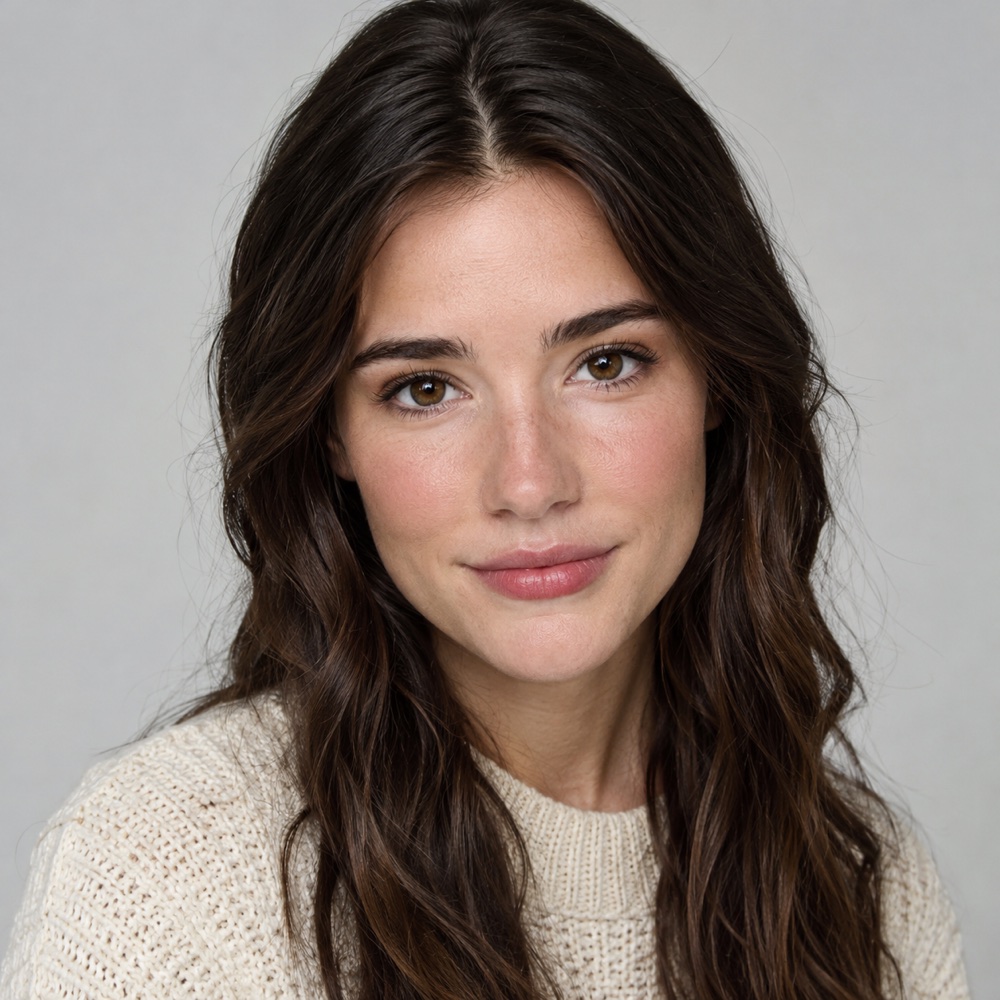
Portrait relight and restyle
AI photo editor
Edit a consenting adult portrait with GPT Image 2: relight, grade or move it to a neon night. Identity-preserving prompts, 6 credits.
Image · 1K6 credits per imageNo nudity, sexual content, minors, real-artist likeness or copyrighted footage.
Generate
6 CreditsUses the same credit balance as video. Buy credits once, use them on any tool.
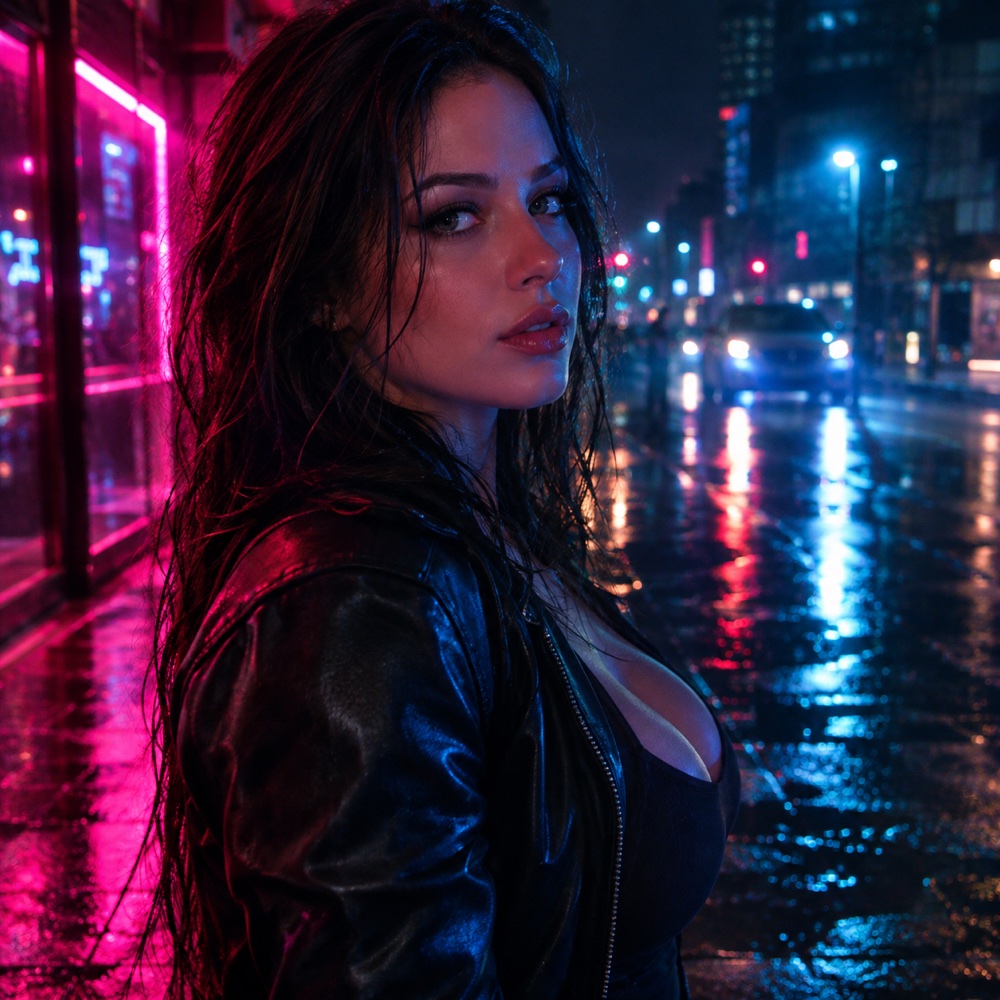
Magenta and cyan practicals, wet reflections and a dark street.
Your balance: 0
Photos and results stay private to your account. Inputs and outputs are moderated.
Your result
No result yet. Generation usually takes one to three minutes.
6 Credits
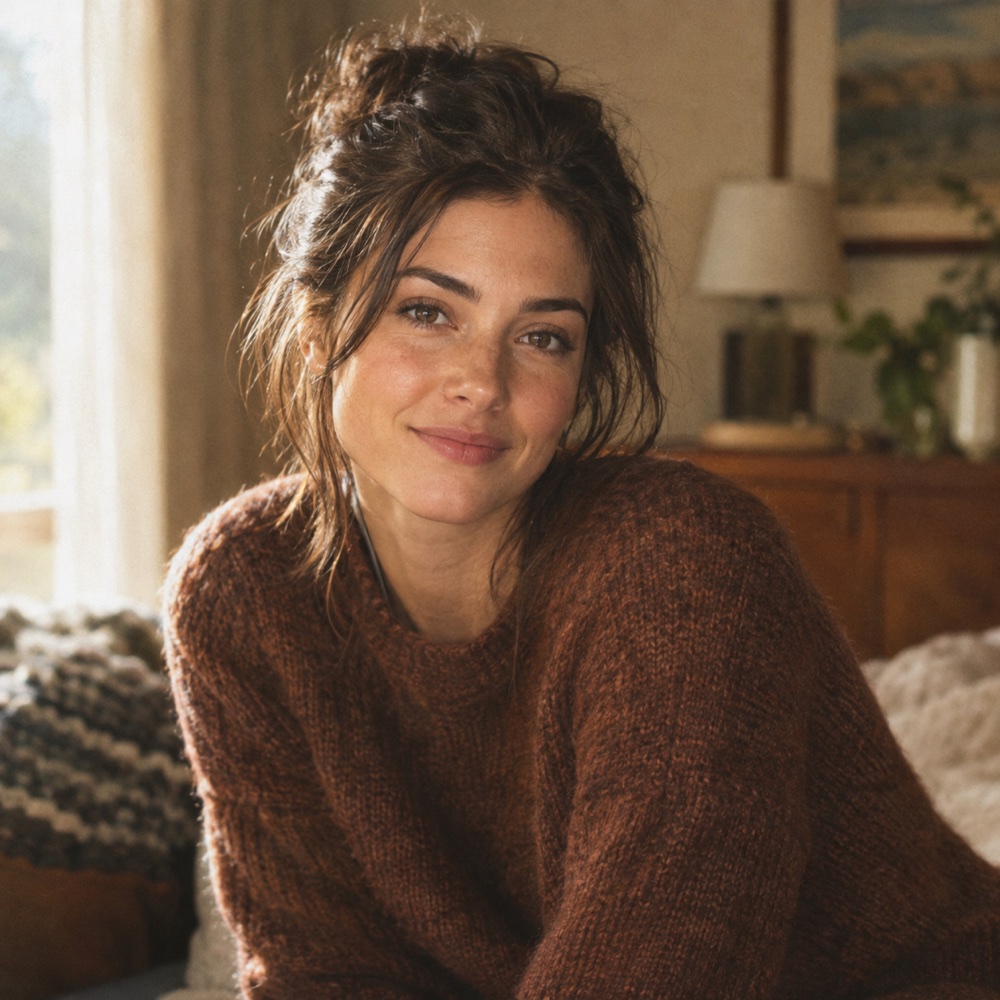
Three edit directions
Every preset below is a real recipe used by the generator. Pick one and adjust the direction if you want.
About this tool
Most portrait edits fail because they change the person instead of the light. This editor uses an uploaded photo as the identity reference and changes the lighting, color grade or environment around it. Three presets cover a clean studio relight, a film-style grade and a neon night scene. The prompt explicitly protects the face, skin tone and body proportions, and it forbids extra people. Each edit costs 6 credits and returns a 1K PNG. Use it for a profile photo, a cover or a mood board, and always review the result before publishing.
How it works
01
Upload a portrait
Use a clear photo of a consenting adult. The face should be visible and evenly lit.
02
Choose an edit
Pick a relight, grade or neon preset and add a short direction for the setting.
03
Review the identity
Compare the result with the source. If the face drifted, try a simpler direction and regenerate.
Photo editor questions
Does it preserve the person's identity?
The prompt asks the model to preserve facial identity, skin tone and body proportions. AI can still drift, so review the result and do not publish an edit that misrepresents someone.
What photo formats work?
JPG, PNG and WebP up to 10 MB. A sharp, front-facing portrait with even light produces the most reliable edit.
Can I edit a photo of a celebrity?
No. Only upload adults who have given permission. Public figures, minors and non-consenting people are prohibited.
How much does an edit cost?
6 credits per image, taken from the same balance as video. Failed jobs return the reserved credits.
Can I remove the background?
The presets change the whole scene, including the background. For a cutout with a transparent background, use a dedicated background remover; this tool returns a finished 1K image.
Consent required, identity-preserving prompts, moderated inputs and outputs, private storage.
Photos and results stay private to your account. Inputs and outputs are moderated. No nudity, sexual content, minors, real-artist likeness or copyrighted footage. Independent tool. Not affiliated with Fredo Bang or any label. AI output may vary.
More tools
Image · 1KAI thumbnail makerGenerate a 9:16 1K cover for TikTok, Reels or Shorts from a text prompt. Three bold presets, 6 credits per image, no watermark.Image · 1KAI album cover generatorGenerate a 1:1 1K album cover from a text prompt. Three art directions, 6 credits per image, PNG download, no watermark.Image · 1KAI concert poster generatorGenerate a 3:4 1K concert poster from a text prompt. Three stage-ready directions, clean space for the lineup and date, 6 credits per image, PNG download.
All AI tools